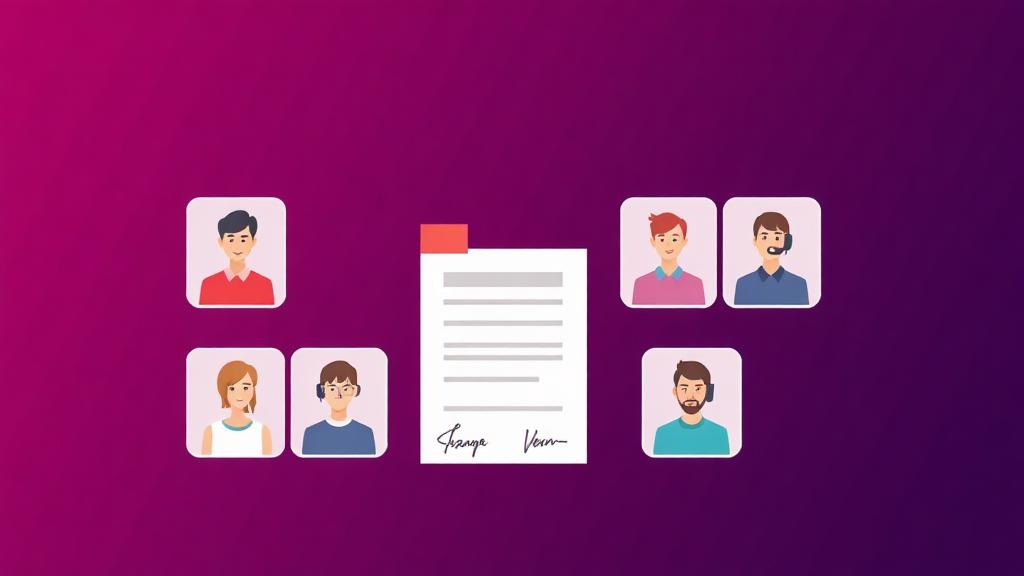
💻 Remote workers & small teams

PDF tools for remote workers and small teams

Distributed work removes the office printer, the scanner and the person down the hall who knew how to fix the file. What remains is a laptop, a phone and an email attachment limit. These workflows cover signing, collecting, sharing and securing documents when everything has to happen in a browser.

The problems this page solves

  • A contract needs signing and there is no printer within reach.
  • The attachment bounces because it exceeds the mailbox limit.
  • Collecting the same information from twenty people means twenty inconsistent emails.
  • A paper document needs to be digitised with only a phone available.
  • Files with client data get shared without any protection.

Workflows, step by step

Sign without printing

A supplier agreement arrives and needs a signature within the hour.

  1. 1
    ✍️ Sign PDF

    Fill the fields and apply a signature in the browser — no printing, scanning or third-party account.

  2. 2
    🔒 Protect PDF

    Password-protect the executed copy before returning it if it contains commercial terms.

  3. 3
    🗜️ Compress PDF

    Shrink the signed file if the counterparty's mail server is strict.

Collect structured information from a group

Twenty contractors need to return the same onboarding details.

  1. 1
    🧱 PDF Form Builder

    Build a fillable PDF from scratch with drag-and-drop fields, so every response comes back in the same shape.

  2. 2
    📋 PDF Forms

    Fill and flatten returned forms so the values are locked into the page.

  3. 3
    📎 Merge PDF

    Combine the returned forms into a single reviewable pack.

Digitise paper with only a phone

A signed delivery note exists only on paper and needs to be in the shared drive.

  1. 1
    🖨️ Scan to PDF

    Capture pages with the phone camera, reorder them, and export a clean multi-page PDF.

  2. 2
    🔎 OCR PDF

    Add a text layer so the document is findable by search later.

  3. 3
    🗜️ Compress PDF

    Bring the scan down to a sensible size for the shared drive.

Prepare a client-ready deliverable

A proposal assembled from several sources has to look like one document.

  1. 1
    📎 Merge PDF

    Combine the sections and reorder them by thumbnail.

  2. 2
    💧 Add Watermark

    Apply a draft or confidential stamp while it is still under review.

  3. 3
    🔢 Add Page Numbers

    Add consistent numbering so the contents page and the call agenda agree.

The remote workers & small teams toolkit

Every tool referenced above, in one place.

Three things worth knowing

Flatten forms before circulating them

An unflattened form can be edited by anyone who opens it. Flattening writes the values into the page so the returned copy is a record rather than a draft.

Compress last, not first

Run compression after merging, watermarking and numbering. Compressing an intermediate file and then editing it again stacks quality loss for no benefit.

Use a link, not a 30 MB attachment

If compression can't get a deliverable under the limit without visible damage, split it into a main document plus appendices and send the appendices separately.

Templates that pair with this work

Frequently asked

Do I need an account to sign a PDF?

No. Signing runs in your browser and is free to use — the document is never uploaded to sign it.

Can my team use this on mobile?

Yes. The site is mobile-first, and Scan to PDF is built specifically for capturing documents with a phone camera.

How do I share large files?

Compress first at the screen-reading preset. If that isn't enough, extract the pages that actually matter — the smallest file is the one without the pages nobody needed.

Is there a team plan?

Pricing covers individual Premium access today. If you need seats for a team, contact us and we'll work out the right arrangement.

Other use-case hubs

Try AI Now